CLAID.AI

Fashion image planning

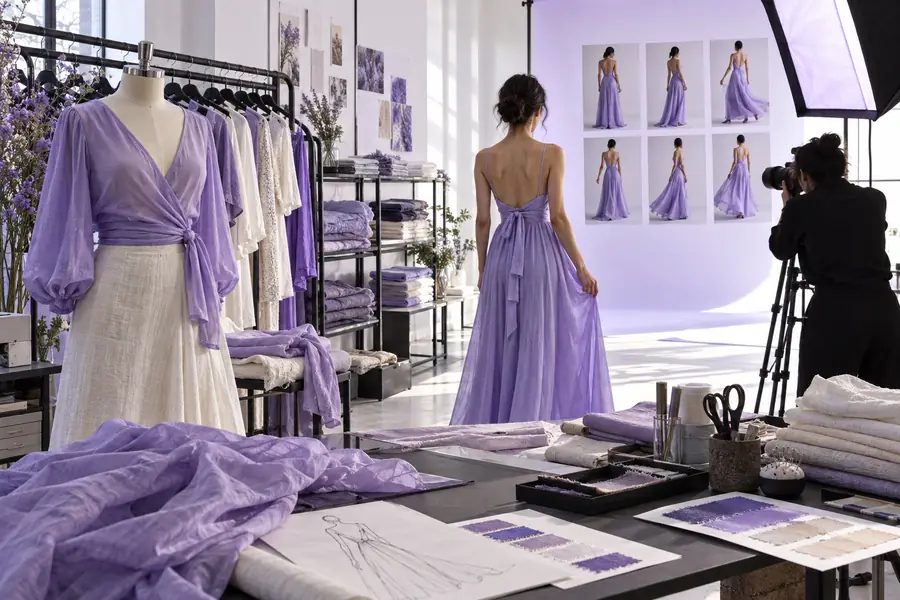
Where can ai fashion production fit in a fashion shoot?

A fashion image has to sell the garment, not just the mood. Claid helps you think through visual concepts for a collection while keeping fit, fabric and product accuracy on the shoot checklist.

Check garment details against references
Fashion and product imagery presented as visual concepts

The audience's existing pipeline

Design, samples, photography and merchandising each answer a different question. Visual concepts are most useful when the team knows which question an image must answer.

Creative director

A seasonal brief needs a visual direction before the sample shoot. Compare lighting, framing and location ideas without treating any concept as an approved campaign image.

Bring a narrower, more concrete brief to the photographer. For the related task of presenting products consistently across a storefront, see ecommerce.

ecommerce

Ecommerce producer

A product detail page needs a repeatable crop and background across several looks. Write down the framing rules before scheduling talent and studio time.

Give retouchers and photographers a consistent target while reserving final garment detail for verified photographs. The ecommerce guide covers that storefront workflow.

ecommerce

Stylist

Accessories, poses and sets must work with a specific silhouette. Explore composition ideas, then check each choice against the actual sample.

Arrive at fittings with options to test rather than a synthetic image to copy unquestioningly. Real estate offers a separate example of planning imagery around a physical space.

real estate

Brand marketer

A launch story needs social crops, a hero image and supporting detail shots. Map those deliverables before choosing which concepts merit production.

Spot missing shots early and keep speculative visuals out of product-accuracy approvals. The real estate page shows how another image-led team handles subject-specific checks.

real estate
Where we slot in

Use ai fashion production as a planning layer between a written brief and a reviewed image set—not as a substitute for sampling, fittings or final approvals.

Define the garment truth

Gather sample photos and notes on color, construction, fit, closures and trim. Separate details that must remain exact from styling choices the team can explore.

Explore the visual direction

Describe the intended audience, lighting, setting and crop. Compare concepts against the brief, and flag anything that invents a seam, changes a hem or obscures a selling feature.

Return to production

Use the selected direction to brief the photographer or editor. Review final assets against the physical garment and the channel's requirements before publication.

These workflow cards describe practical briefs and review decisions. They are not a claim that one tool completes every stage automatically.

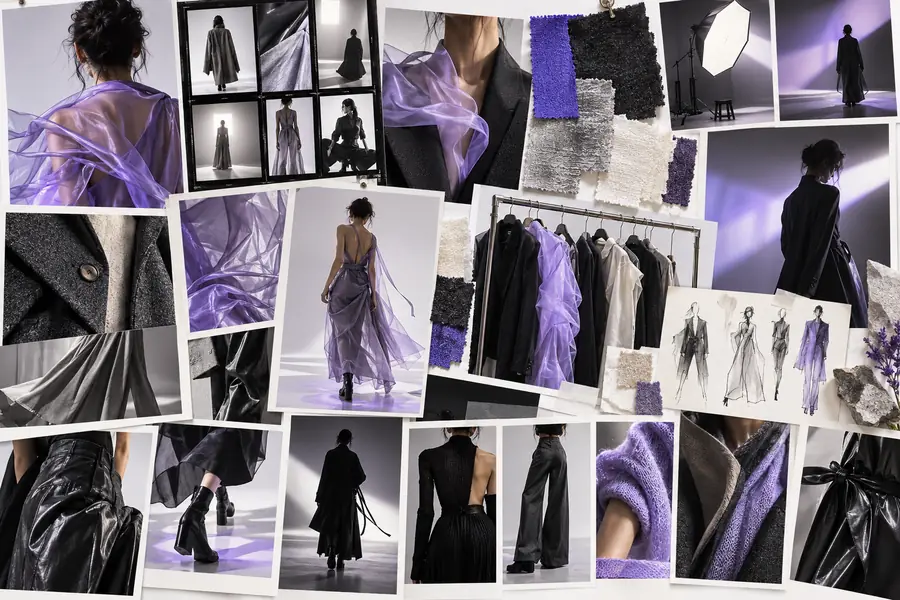
    • Collage of editorial fashion photography concepts
      Concept planning

      Campaign mood exploration

      Explore campaign concepts

      Execution sequence

      1. List the garments and visual references in the campaign brief.
      2. Compare concepts for mood, pose, lighting and silhouette visibility.
      3. Send the chosen direction for a human production review.

      Start with the collection's intended atmosphere, then test whether the garment remains legible within that setting. A compelling scene is not useful if it hides the cut.

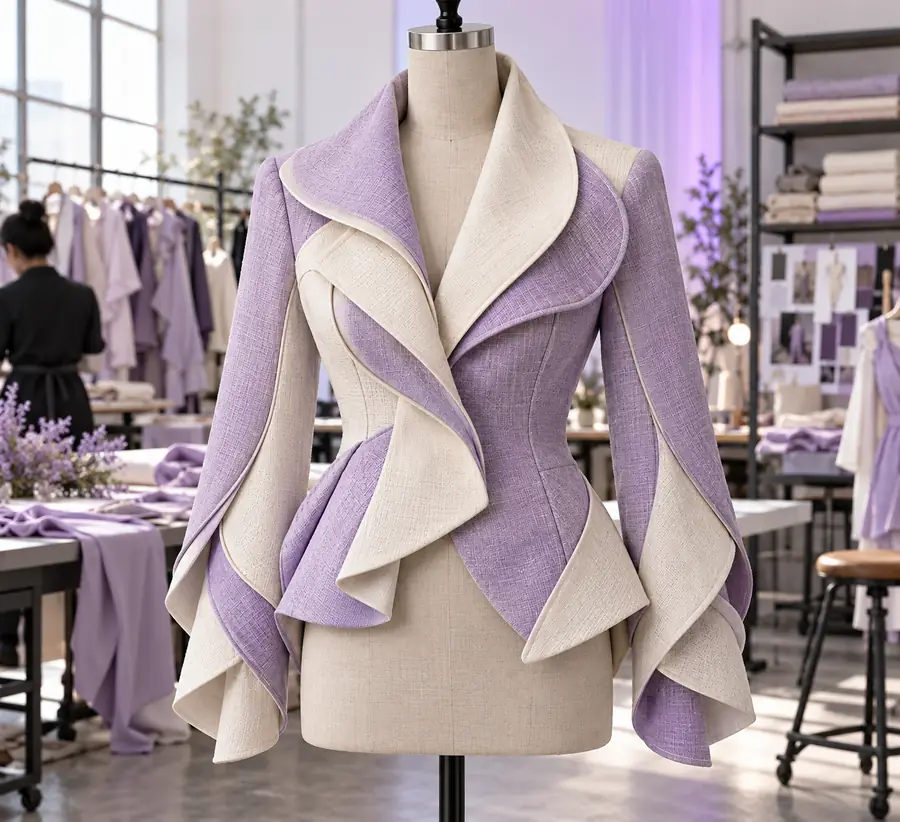
    • Fashion concept centered on a garment
      Shoot preparation

      Garment-focused shot list

      Explore shot directions

      Execution sequence

      1. Identify the details the product listing must show.
      2. Assign a framing and purpose to each planned shot.
      3. Confirm the list against the sample at the fitting or shoot.

      Translate a visual direction into a checklist: full look, back view, fabric close-up and any construction detail a customer needs to see.

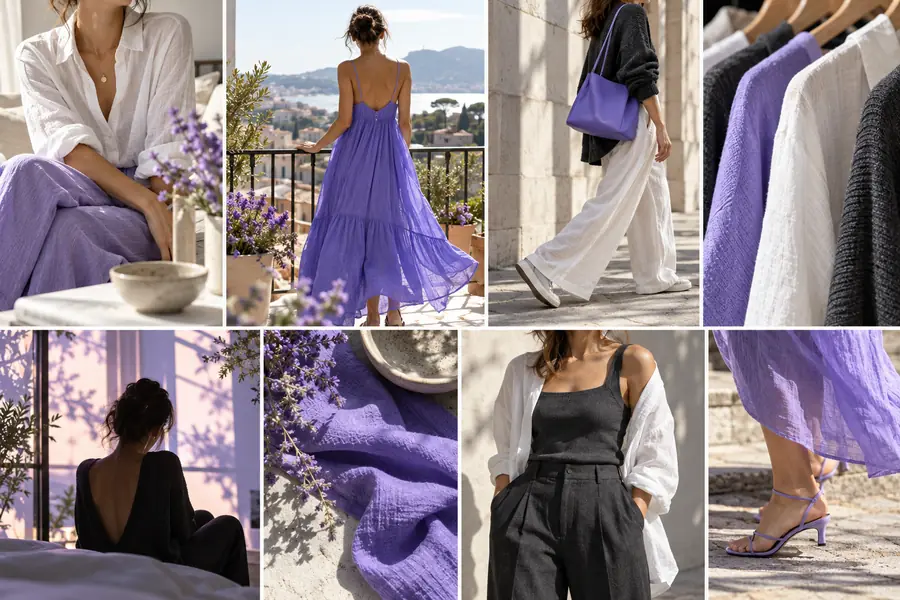
    • Collage of lifestyle product image concepts
      Human review required

      Cross-channel image review

      Explore image directions

      Execution sequence

      1. Group candidate images by their intended channel.
      2. Check continuity of styling and visibility of the product.
      3. Approve product claims only against verified source material.

      Compare proposed hero, social and detail crops as one set. Check visual continuity, then verify that every published view depicts the correct item.

    Before/after

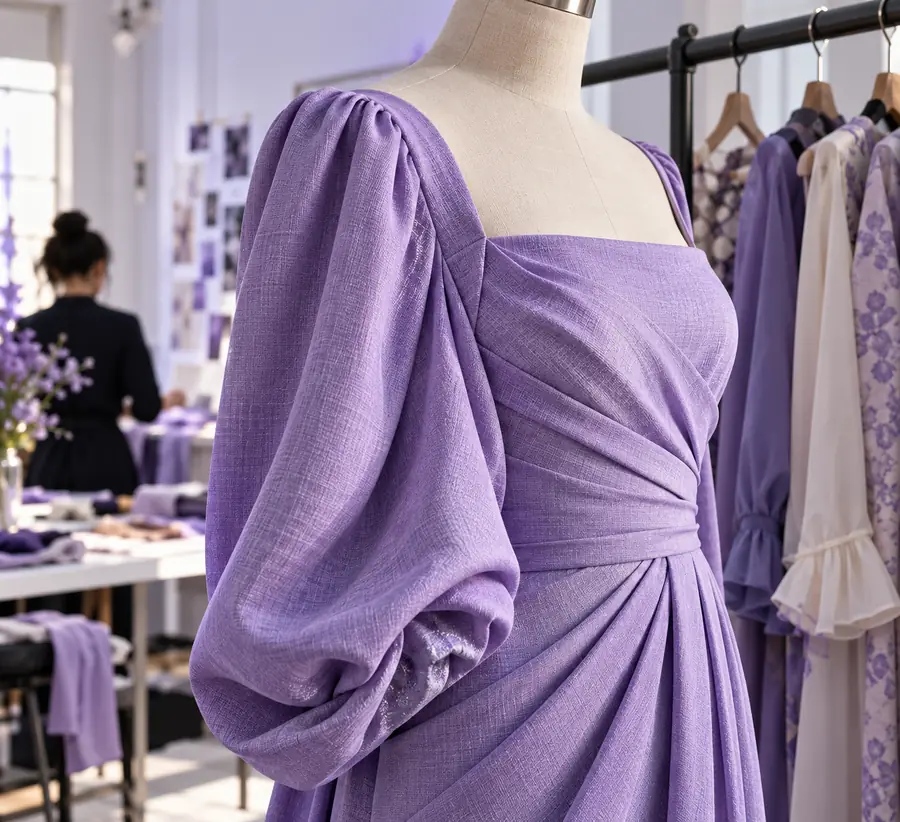
    Think of this pair as a change in brief, not proof of an automated garment edit: from showing an item to considering how it could be presented.

    Garment-first reference

    Illustrative concept focused on an individual garment
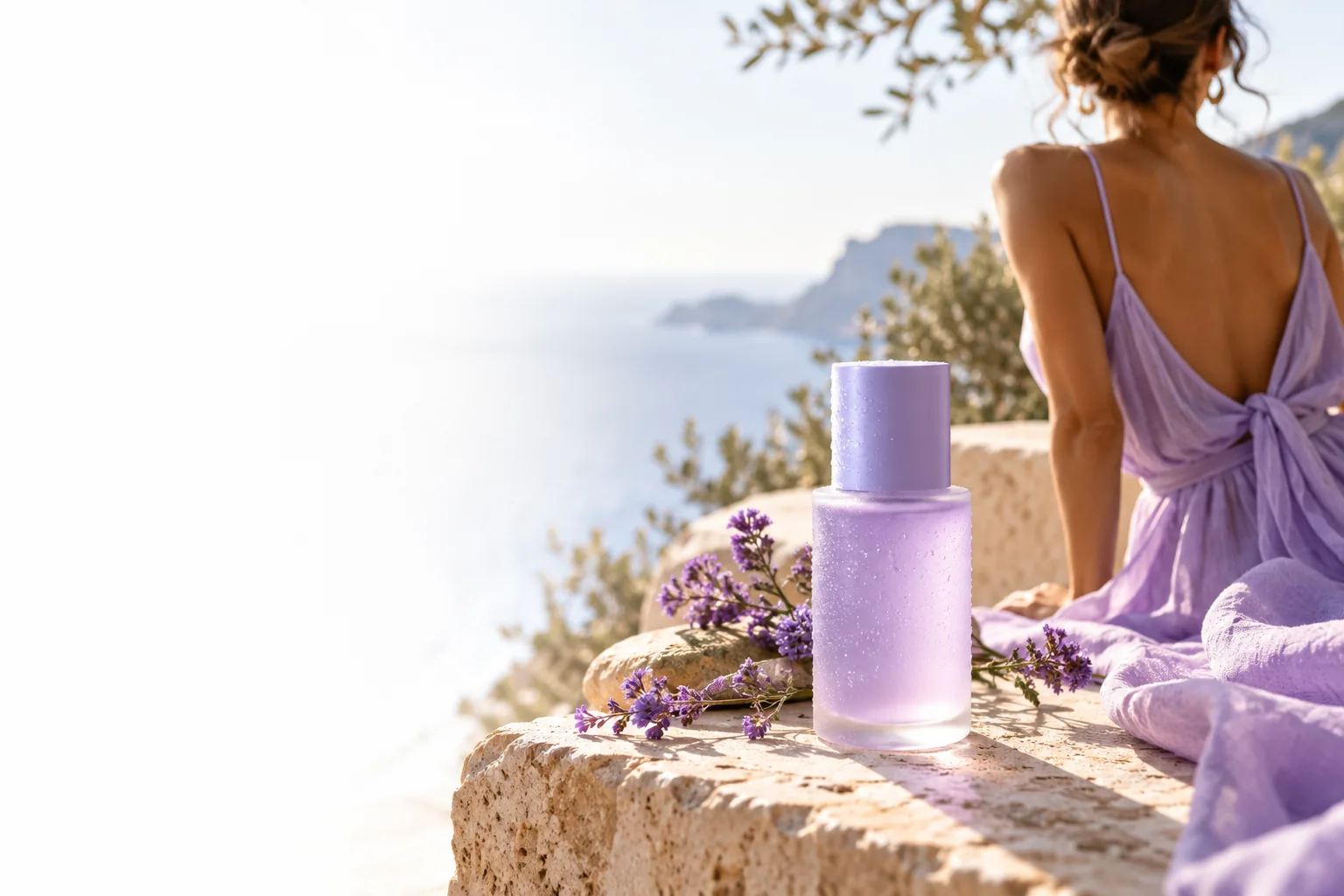
    Illustrative fashion production concept with editorial styling
    Styled image direction

    Illustrative concepts, not a verified edit of the same garment. Compare any final image with sample photography before using it to describe a product.

    Deliverable spec

    A useful handoff names the intended channel, crop, garment details to preserve and person responsible for approval. These limits belong in that handoff too.

    No substitute for a fitting

    A concept image cannot establish how a garment hangs on a body or whether its measurements are correct.

    WorkaroundRecord fit on the sample and confirm it through fittings and approved photography.

    No guarantee of product accuracy

    AI imagery may alter stitching, hardware, prints or color, even when the overall scene looks convincing.

    WorkaroundCheck every visible product detail against the physical item and controlled reference images.

    No automatic rights clearance

    A visual concept does not settle permissions for a likeness, a recognizable location, a logo or other protected material.

    WorkaroundHave the appropriate team review assets and clear rights before campaign use.

    No universal export specification

    Social, editorial and product pages can require different crops, resolutions and file handling.

    WorkaroundSet specifications with each destination and inspect the delivered files there.

    Take a clearer brief into the next shoot

    Use Claid to explore image directions, then bring the strongest ideas back to the team that knows the garments. Keep product accuracy, rights and channel requirements in the final review.

    • Start with a specific garment
    • Separate styling ideas from product facts
    • Approve against the real sample

    Scenario FAQ

    It can mean using AI imagery to explore art direction, backgrounds or compositions before deciding what to produce. The term also covers other practices, so define the deliverable in the brief. On this page, it refers to visual planning with human review, not automated garment manufacturing.

    Not when shoppers need a faithful view of the item they will receive. A concept can help plan the set or crop, but product details should be checked against the sample and verified photography before publication.

    Start with clear garment references, a description of the audience and the intended image placement. Note which features must stay visible and accurate, such as a distinctive neckline, closure or print. That gives reviewers a practical basis for rejecting misleading concepts.

    Assess the image twice: first for whether it communicates the intended mood, then for whether it represents the garment correctly. Compare color, silhouette and construction with approved references. Route questions about rights or publication standards to the people responsible for those decisions.

    Start creating
    Start creating