Required
A clear description or reference of the product
Record its shape, color and distinguishing details instead of relying on a broad product category.
Product imagery
If you searched for ai photoshoot online free, start with the scene you want rather than an assumed feature list. Claid helps you prepare a useful brief and directs you to a separate creative tool; check its current access terms before starting.
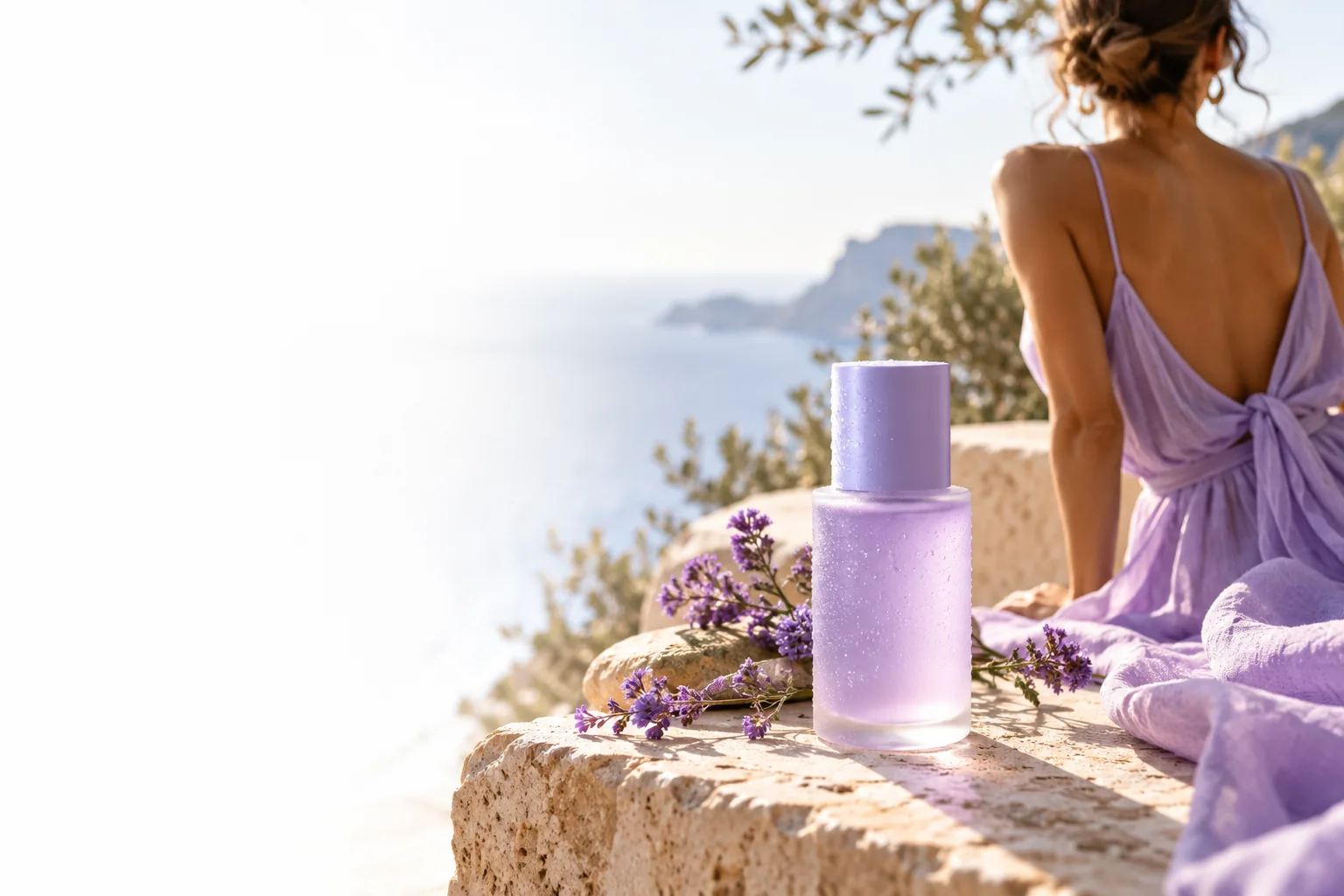
A general image idea can begin with a mood. A product photoshoot brief needs enough detail to keep the item recognizable and the result useful.
Record its shape, color and distinguishing details instead of relying on a broad product category.
The intended use guides your choice of background, framing and empty space.
List packaging text, labels and proportions that you will need to inspect in any output.
These make a brief more specific, but you can begin without them.
Use references you own or are authorized to use.
Choose the route that matches the work: planning a scene, examining product photography, creating an image concept or editing an existing photo.
Explore product-photography planning when the composition and presentation of the item are your main concern.
Focus on describing a new product-image concept rather than planning a broader photoshoot.
Start from a photo you already have when the task is to improve or adjust it.
A useful photoshoot starts with a brief, not a promise
Describe the product first, then add the setting and purpose. For example, a bottle on pale stone needs a different composition for a square catalog image than for a wide campaign banner. Name the features that cannot change, and leave room in the frame if you expect to add copy later.
The prompt above is a planning aid, not a guarantee that the destination will preserve every word or offer a particular generation control. Review the available workflow and access terms there. Treat any result as a draft until you have checked product identity, packaging and intended usage.
An online photoshoot concept can support exploration, but it does not replace product verification or establish what the destination includes.
A search for a free ai photoshoot does not establish the destination's current eligibility, usage allowances or terms.
WorkaroundRead the destination's access information before committing time or supplying assets.
Generated imagery can alter lettering, logos, colors or small physical features even when the brief specifies them.
WorkaroundCompare each candidate with your approved product reference and use a verified photograph when exact representation matters.
A visually convincing scene does not prove that a reference, brand mark or resulting image is cleared for your intended use.
WorkaroundConfirm permission for inputs and review applicable output terms before publication.
The handoff opens a separate tool; do not assume your draft text or references will appear there unchanged.
WorkaroundKeep a copy of the brief so you can enter or adapt it in the destination's available workflow.
Use a short review loop instead of trying to specify an entire campaign in one attempt.
State what the item is, how it should be framed and which visual details must stay true. Add the desired surface, lighting and background only after the product itself is clear.
Use the handoff to inspect the destination's current options and access conditions. If your draft does not carry over, paste or adapt it there using the controls actually available.
Check labels, shape, shadows and cropping against your reference. Revise the brief if the scene misses its purpose, and verify the final image before placing it in a listing or campaign.
Bring a concise product description and a clear use case. The destination is a separate service, so confirm its current tools, terms and any access requirements before you begin.
You can prepare a photoshoot brief online and follow this page's handoff to explore the destination. The search phrase does not confirm that its current workflow is free, so check its access terms before you start.
A written description can help you plan a scene, while a reference photo can make the product's shape and details easier to specify. Check what inputs the destination accepts rather than assuming an upload is required or supported.
Name the product, its important visual details, the intended setting and the image's purpose. Add lighting, angle and space for text if those choices matter to the final composition.
Only use an image after checking that it accurately represents the product and that you have the necessary rights. Review the destination's terms and your marketplace's image rules before publishing.