CLAID.AI

Creative workflow

Use ai image variations to explore a new visual direction

Start with a recognizable source image, then describe what should change and what must stay fixed. Treat each result as a candidate to inspect, not a finished replacement for the original.

Free to start · no signup
Claid landing image illustrating a product-focused visual workflow

Who needs variations in an image software workflow?

Different teams need different kinds of alternatives. Decide whether you are exploring a still image or changing the medium or product before writing instructions.

Campaign designer

A designer has one approved product photograph but needs several background concepts for a campaign review.

Keep the product reference stable while comparing atmosphere and composition. For motion concepts instead, image to video covers the shift from a still to a moving asset.

image to video

Catalog editor

An editor needs to test whether a scene works with a different item rather than another treatment of the same item.

That is a product-replacement task; product swap ai focuses on changing the item in an existing visual.

product swap ai

Social creative

A team is choosing between still-image directions and a short animated concept for the same brief.

Review still candidates first, then consider image to video when movement is necessary to communicate the idea.

image to video

The tool block: variations versus manual edits

This comparison describes two approaches to a creative brief, not guaranteed controls or outputs of a particular tool.

Variation-led exploration Manual image editing
1

Starting point

Variation-led exploration

A source image plus written change and preservation instructions

Manual image editing

A source image plus an editor's planned adjustments

2

Best use

Variation-led exploration

Comparing broad lighting, setting, or mood directions

Manual image editing

Making specific, controlled changes to a chosen image

3

Product details

Variation-led exploration

Must be checked against the original after every result

Manual image editing

Can be protected through careful masking and review

4

Repeatability

Variation-led exploration

A written brief helps, but results may differ between attempts

Manual image editing

Saved layers and settings can document the edit

5

Review method

Variation-led exploration

Compare candidates side by side against the source

Manual image editing

Inspect the edited file at its intended display size

6

Final handoff

Variation-led exploration

Select a candidate, then verify and refine it

Manual image editing

Export the reviewed, finished edit

Import steps for a useful source image

These example shots illustrate a review sequence; their captions are sample briefs, not records of how the pictured images were produced.

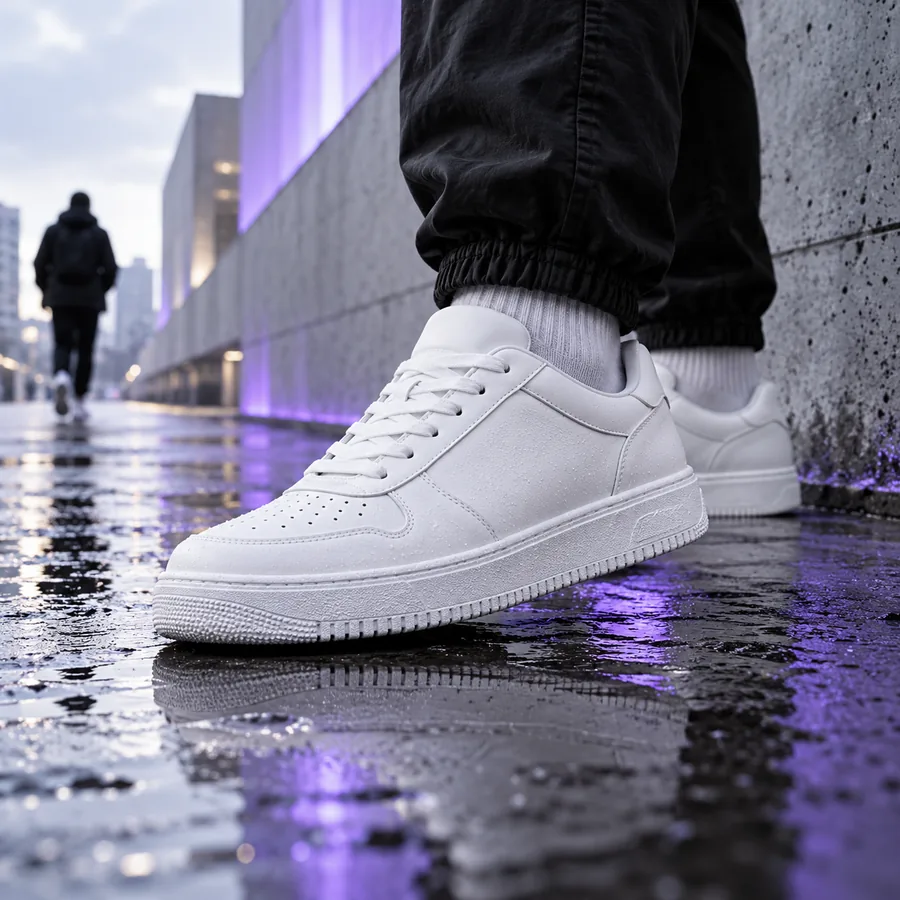
  • Illustrative product imagery for checking a source photograph Choose
    First, choose a sharp source with the subject clearly visible. Note any text, edges, colors, or proportions that cannot change. Sample input: an approved product photograph with a readable label.
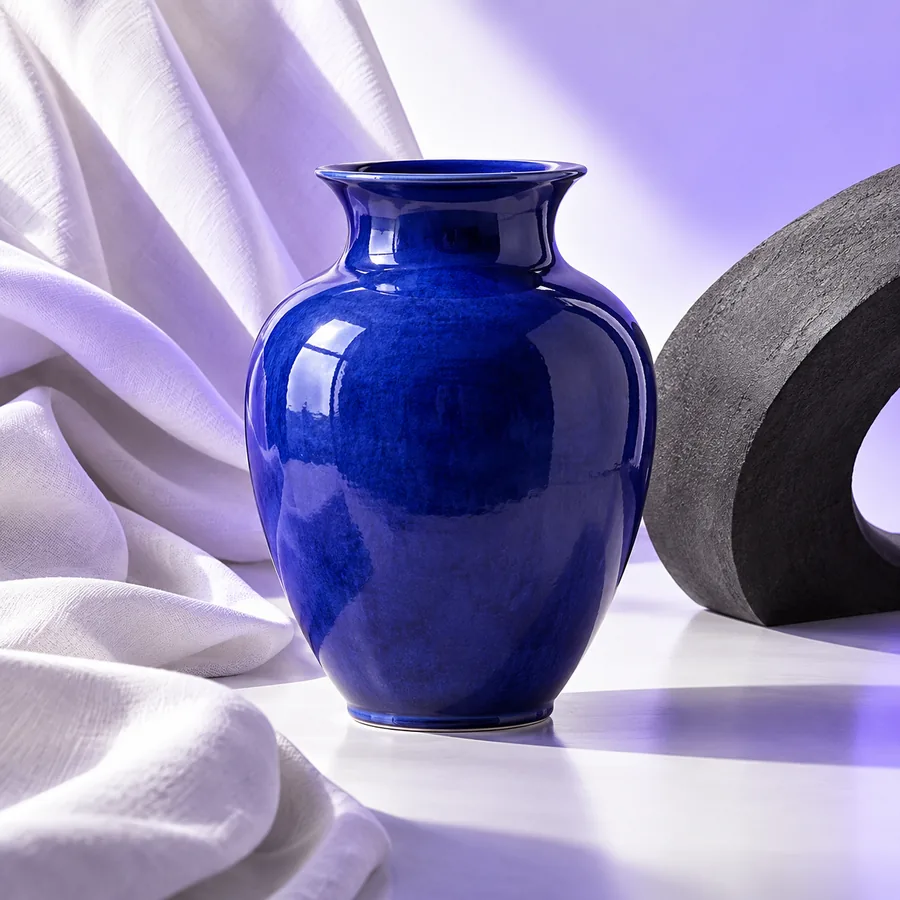
  • Illustrative product imagery for exploring a visual direction Describe
    Next, describe one change at a time, such as softer light or a different setting. State separately which subject details must remain intact. Sample brief: adjust the setting; preserve the product and camera angle.
  • Illustrative product imagery for reviewing candidate images Inspect
    Finally, compare each candidate with the source at a similar size. Reject options with altered packaging, implausible shadows, or distracting artifacts. Review input: source image, candidate, and an approved-detail checklist.

Common import errors and other limits

A better brief cannot recover information that the source never captured. Check the input before judging a variation.

Tiny or obscured details

Small label text, partially hidden edges, and compressed textures may be misread or changed in a candidate.

WorkaroundBegin with the clearest approved source and verify critical details against the original.

Conflicting instructions

Asking for a new camera angle while requiring every visible surface to stay identical creates an ambiguous brief.

WorkaroundSeparate fixed requirements from optional changes, then prioritize the requirements.

No guarantee of exact identity

A visually appealing variation may still alter a logo, color, shape, or physical relationship.

WorkaroundUse an approved reference and make a deliberate human review part of the workflow.

No substitute for an approved final file

Exploration does not establish that an image meets a campaign's legal, brand, or channel requirements.

WorkaroundCheck usage rights and production specifications before publishing.

Continue with a clear reference

Explore a direction, then check the details

Write down the intended change and the details that must survive it. Use the source image as your benchmark when reviewing options, and move only a verified candidate into final production.

  • Start from an approved source
  • Describe fixed and flexible details
  • Review candidates against the original

Image variation FAQ

The available page evidence identifies the variation topic but supplies no verified product-specific limits or controls. These answers cover the general workflow without assuming them.

They are alternative visual treatments developed from a starting image or concept. The aim is to compare directions while deciding which elements should remain recognizable.

Identify the source subject, the change you want, and the details that must stay fixed. A narrow request, such as changing the lighting while preserving the packaging, is easier to evaluate than an open-ended brief.

Do not assume it will. Compare labels, logos, colors, and proportions with the approved source, especially when those details affect a purchasing decision.

Judge each option against the original brief rather than visual appeal alone. Check subject accuracy, believable lighting, composition, and whether the image suits its intended placement.

Start creating
Start creating